
Beautiful Plants For Your Interior
Beautiful Plants For Your Interior
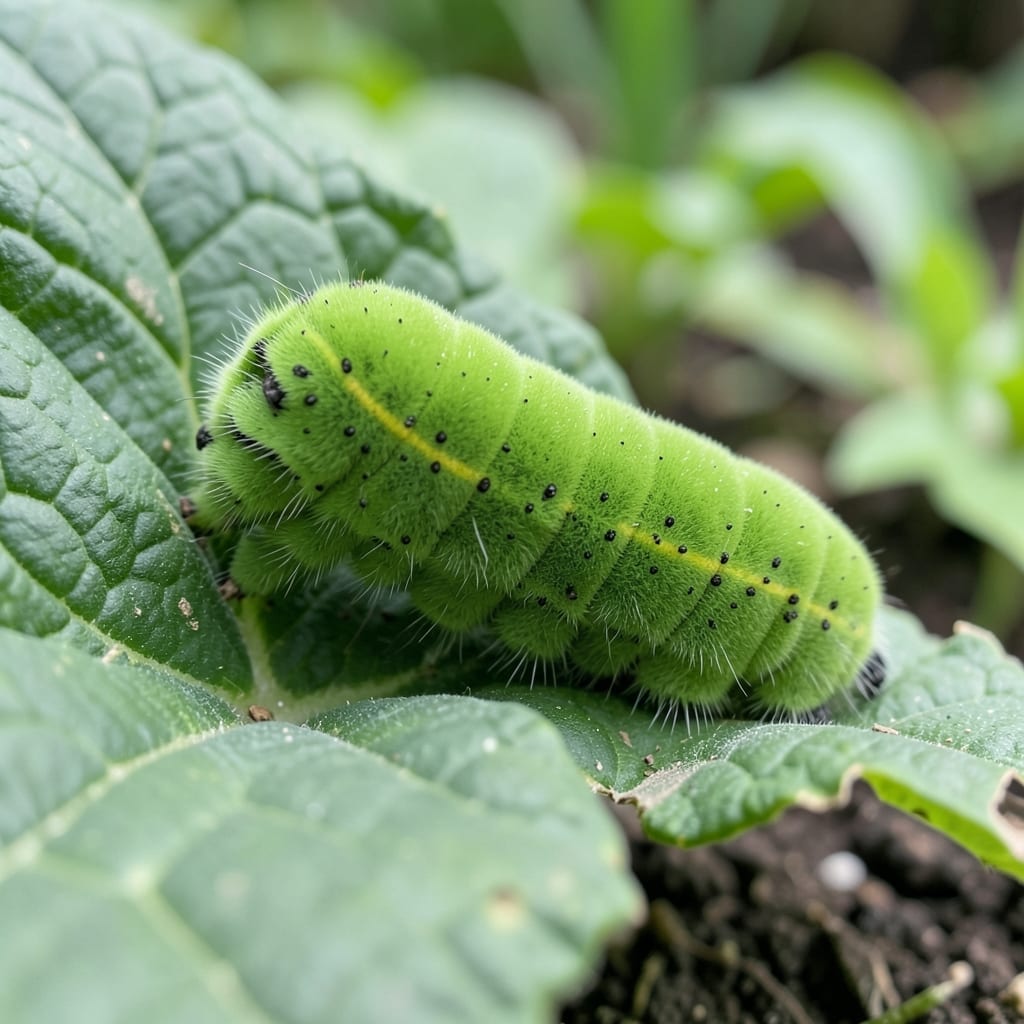
That strange caterpillar chewing your leaves might be a friend or foe. I’ve spent years learning which ones help pollinators and which ones decimate a garden overnight.
Some caterpillars turn into butterflies that boost your ecosystem, while others morph into moths that lay eggs for next year’s invasion. The key is knowing the difference fast—before your plants pay the price.
With a clear photo and this guide, you’ll spot the subtle marks, colors, and behaviors that reveal exactly what you’re dealing with. No guesswork, just answers.
Once identified, you’ll know whether to relocate, protect, or treat. The right action now saves weeks of frustration later.
Misidentifying caterpillars from photos often happens due to a few common factors. Understanding these can help you improve accuracy and confidence in your results.
Blurry or low-resolution photos obscure critical details like body segments, spine patterns, or head capsule shape. Caterpillars often have tiny, species-specific features (e.g., microspines or sublateral stripes) that require sharp images to spot. Always use a macro lens or zoom in to capture fine structures under natural light.
Without knowing the host plant or geographic location, identification becomes guesswork. Many caterpillars, like the Monarch (Danaus plexippus), are plant specialists—found exclusively on milkweed. Others, such as Tussock Moth larvae, mimic their host (e.g., oak or pine) in color and texture. Always note the plant and region when submitting a photo.
Caterpillars change dramatically between instars (developmental stages). A Woolly Bear (Pyrrharctia isabella) in its early instar may lack the iconic black and orange bands of its final stage. Similarly, some species, like Swallowtail caterpillars, mimic snake eyes in later instars to deter predators. Compare your photo to multiple life-stage references to avoid errors.
Once you’ve snapped a clear photo of the caterpillar, follow these straightforward steps to pinpoint its species. Each method targets a common challenge, ensuring you get accurate results with minimal effort.
If your image is dark or out of focus, retake the photo in natural light without using flash, as it can wash out details. Hold your camera steady or use a tripod, and tap the screen to focus on the caterpillar. For close-ups, enable macro mode if available. Prevention tip: 💡 Always shoot during daylight and avoid shadows by positioning the subject near a window or in indirect sunlight.
When the caterpillar’s markings or colors are subtle, zoom in on unique traits like spines, stripes, or eye spots. Use a magnifying app or edit the photo to enhance contrast temporarily. Compare these details to a reliable field guide or database like iNaturalist or Butterflies and Moths of North America. Prevention tip: ✨ Capture multiple angles (top, side, and underside) to ensure no feature goes unnoticed.
If your identification app struggles, try a specialized platform such as Seek by iNaturalist or Google Lens. Upload the photo and cross-check the top 3-5 suggestions with expert sources. For rare species, consult local entomology groups on social media. Prevention tip: 🎯 Use high-resolution images (at least 1024×768 pixels) for better accuracy in automated tools.
Caterpillars often look alike across regions, leading to errors. Narrow your search by location—filter databases or apps by your country or state. Note the habitat (e.g., forest, garden) and host plant, as many species are plant-specific. Prevention tip: 🌡️ Always include geographic tags or notes when saving your photos for future reference.
Focus on the caterpillar’s body segments, spines, and head shape. Include the host plant and any distinct markings. Shoot in natural light for the clearest results.
Yes! Smartphone cameras work well if you enable macro mode and hold steady. Apps like Seek by iNaturalist or Google Lens can analyze the image for you.
Many species mimic each other for survival. Regional differences and life stages can also cause confusion. Always cross-check with local guides.
Retake the shot in daylight without flash. Use a tripod or stable surface to avoid shaking. Macro mode helps capture fine details.